Best Streaming Sticks: Fire TV vs Roku vs Google TV
Heads up: this post has Amazon affiliate links. As an Amazon Associate, Smart Savvy Deals earns from qualifying purchases, at no extra cost to you.
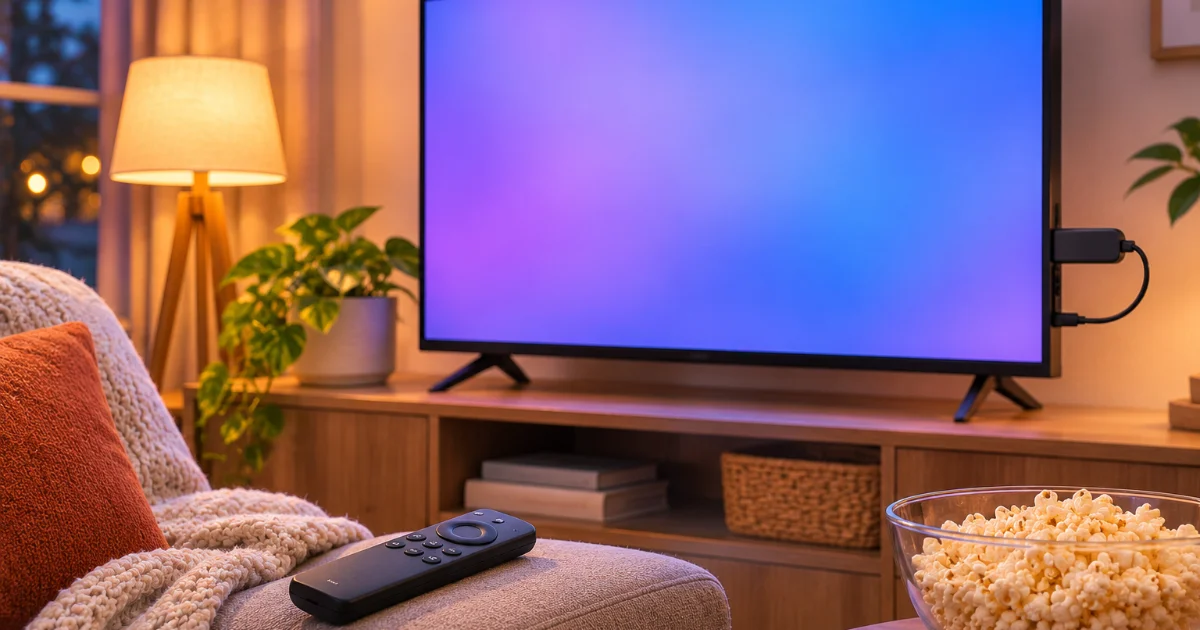
A streaming stick is the cheapest way to make an old TV smart, or to replace the slow, clunky apps built into a newer one.
Here’s how the big three compare, and which budget streaming stick fits you best.
Quick picks
| Pick | Best for | Link |
|---|---|---|
| Amazon Fire TV Stick 4K | Prime members and Alexa homes | Find it on Amazon |
| Amazon Fire TV Stick HD | Cheapest option | Find it on Amazon |
| Roku Streaming Stick 4K | Simplest interface | Find it on Amazon |
| Roku Express | Budget HD streaming | Find it on Amazon |
| Google TV Streamer | Android and Google Home users | Find it on Amazon |
How we picked
We didn’t test these products ourselves. We picked them by comparing what each one does, typical Amazon pricing, manufacturer specs and patterns across large numbers of verified buyer reviews.
Prices on Amazon change constantly, especially around holidays and sales events, so always check the current price before you buy.
1. Amazon Fire TV Stick 4K
Amazon’s 4K stick with an Alexa voice remote. It’s fast, cheap during sales and works with Alexa smart home gear.
If you live in Prime Video, this is the natural pick.
The catch: The home screen pushes Amazon content and ads pretty hard.
Find the Fire TV Stick 4K on Amazon
2. Amazon Fire TV Stick HD
The entry-level Fire TV stick for 1080p TVs. It’s often one of the cheapest streaming devices you can buy.
Perfect for a guest room or kitchen TV.
The catch: No 4K. Skip it if your TV is 4K.
Find the Fire TV Stick HD on Amazon
3. Roku Streaming Stick 4K
Roku’s menu is a simple grid of apps, which a lot of people (and grandparents) prefer. It supports 4K and HDR.
It’s neutral too, so it doesn’t push one company’s services.
The catch: It doesn’t tie into Alexa or Google as deeply as the competitors.
Find the Roku Streaming Stick 4K on Amazon
4. Roku Express
A tiny, cheap HD streamer with Roku’s easy interface.
Great for older TVs that don’t support 4K anyway.
The catch: HD only, and the remote is basic on some versions.
Find the Roku Express on Amazon
5. Google TV Streamer
Google’s streaming box with personalized recommendations across apps, Google Assistant and Google Home controls.
It’s the best fit if your house runs on Google.
The catch: It costs more than the sticks here, so wait for a sale.
Find the Google TV Streamer on Amazon
Which one should you buy?
Pick the one that matches the rest of your house. Alexa and Prime household? Fire TV. Want the simplest menu? Roku. Google Home and Android phones? Google TV.
FAQ
Do streaming sticks need a smart TV?
No. Any TV with an HDMI port works.
Is there a monthly fee for a streaming stick?
No fee for the device, but you still pay for services like Netflix or Hulu.
Is Fire TV or Roku better?
Fire TV fits Alexa and Prime users. Roku has a simpler, more neutral menu.
Do I need 4K?
Only if your TV supports 4K. Otherwise an HD stick saves money.
When are streaming sticks cheapest?
Amazon and Roku devices often hit their lowest prices on Black Friday and Prime Day.